Best Simple and Unique Scratch Projects for Kids
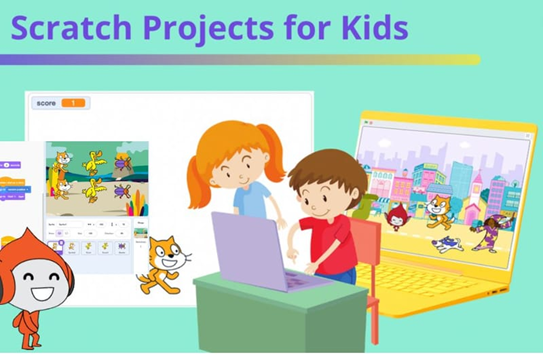
Simple Scratch Projects for Kids: Fun & Easy Coding Ideas for Beginners
Are you searching for the best Scratch projects to begin your coding journey—or ready to level up your Scratch skills? Whether you’re looking for fun Scratch project ideas or simple Scratch projects for kids, you’re in the perfect place.
Scratch, developed by MIT, makes coding easy and enjoyable for everyone. Using simple drag-and-drop blocks, you can create interactive games, animations, and stories. With millions of projects available, selecting the right one can be a daunting task. That’s why we’ve carefully organised project ideas from beginner to advanced levels, complete with step-by-step guidance to help you build with confidence.
Want to go beyond these ideas? Try this free Scratch AI tool to brainstorm new project concepts and bring your creative ideas to life effortlessly. Let’s dive in and start creating!
If you’d like expert guidance, you can also learn Scratch from experienced instructors. Explore our online Scratch Coding blogs.
Top 15 Scratch Project Tutorials for Beginners
If you’re just starting with Scratch—or helping your child take their first steps into coding—you’re in for a fun and creative journey. Scratch is designed to make learning programming exciting, visual, and stress-free. Below is a carefully curated list of Scratch projects that gradually move from beginner to advanced levels. Each project helps learners build confidence while picking up important coding concepts along the way. Feel free to jump between projects based on your child’s interests and learning pace—there’s no “right” order here!
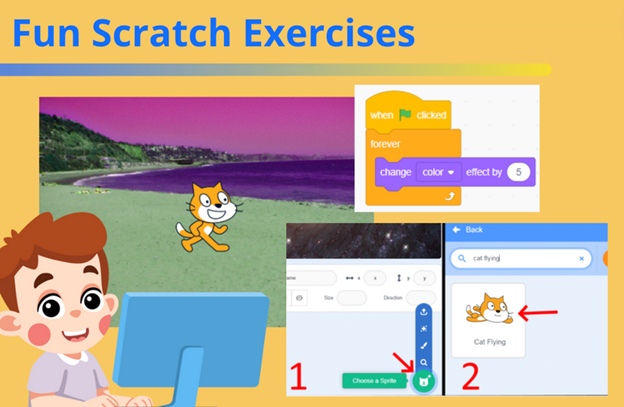
1. Fun Scratch Exercises
The best way to start learning Scratch is through simple and playful exercises. These activities introduce kids to the Scratch interface and basic coding blocks without feeling overwhelming. Learners get to experiment with movement, flying objects, colour changes, sounds, and animations. These exercises are great for building curiosity and helping beginners feel comfortable before moving on to bigger projects.
2. Beginner Scratch Challenges
Once the basics are clear, beginner Scratch challenges add a little more depth. These projects introduce essential programming ideas such as loops, variables, and Scratch extensions in a fun and approachable way. Kids can try creative challenges like making a simple translator or building a story-based game, which helps them understand how logic works behind the scenes.
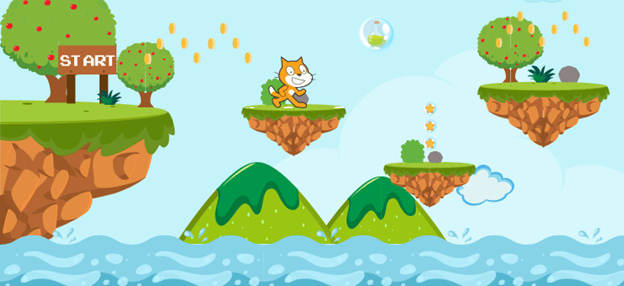
3. Make a Jumping Game in Scratch
Jumping games are incredibly popular—and for good reason. They’re simple to understand but hard to stop playing! In this project, platforms fall from the sky while the character keeps jumping to survive. The longer the player stays alive, the higher the score goes. This project teaches gravity, movement controls, collision detection, and scoring systems, making it an excellent learning experience for beginners.
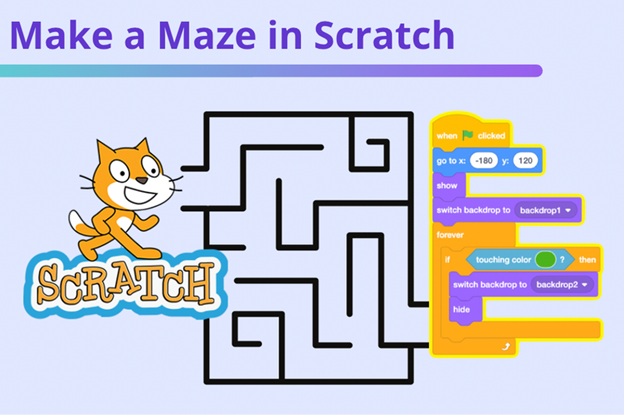
4. Make a Maze Game in Scratch
Maze games are another classic Scratch project. Players guide a character through twists and turns while avoiding obstacles and reaching the goal. This project helps learners understand direction control, sensing blocks, and logical thinking. Kids love designing their own maze layouts, which boosts both creativity and problem-solving skills.
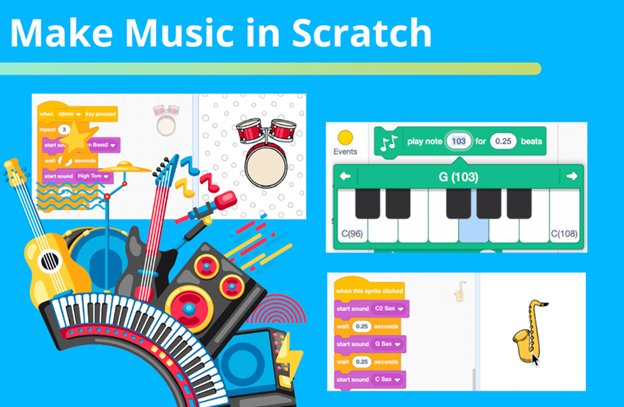
5. Make Music in Scratch
Scratch isn’t just for games—it’s also great for music and sound projects. Adding music instantly brings life to any Scratch creation. In this project, learners explore how to use built-in sounds, record custom audio, and control timing and rhythm. It’s perfect for kids who enjoy music and want to combine creativity with coding.
6. Editing Effects Project in Scratch
Many modern video games allow players to customise characters, and this project introduces that concept. Using sliders, learners can edit the Scratch cat’s appearance in real time. Although this project isn’t a full game, it teaches an important game mechanic used in real-world games. While the tutorial is short and beginner-friendly, learners may need extra guidance to fully understand how variables work.
7. Predator vs. Prey Shark Game
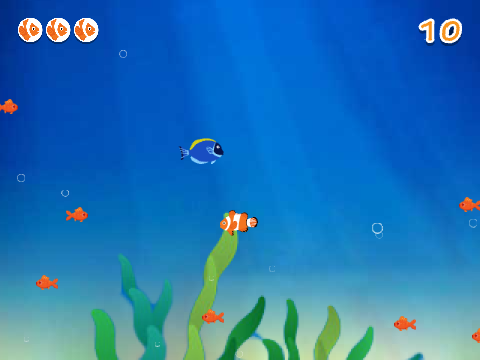
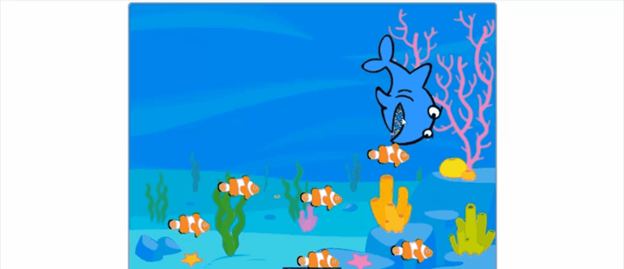
This fun project teaches kids how to control a shark using the mouse and eat fish on the screen. One of the most valuable lessons here is learning how to duplicate sprites instead of rewriting code repeatedly. The game stays simple and engaging, though learners are guided closely rather than discovering new blocks on their own.
8. Crossy Road–Style Game
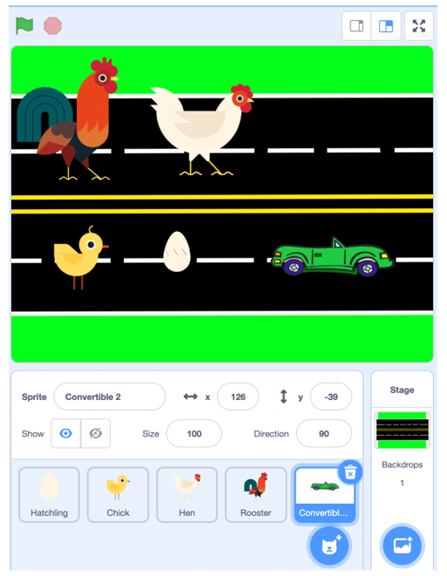
Inspired by the popular “Cross the Road” concept, this game challenges players to help a character cross a busy road without getting hit. It teaches timing, movement control, and collision detection. Reaching the other side safely gives a real sense of achievement.
9. Whack-a-Mole Game
In this fast-paced game, moles pop up randomly, and players try to hit them as quickly as possible. This project introduces randomness, timers, and score tracking. It’s a great way to build reaction-based games while keeping things light and fun.
10. Flappy Bird in Scratch
This Scratch version of Flappy Bird teaches learners how to control characters using keyboard input, generate moving obstacles, and keep score. It’s a fantastic project for understanding physics-based movement and game balance. Watch the video here!
11. Clicker Game
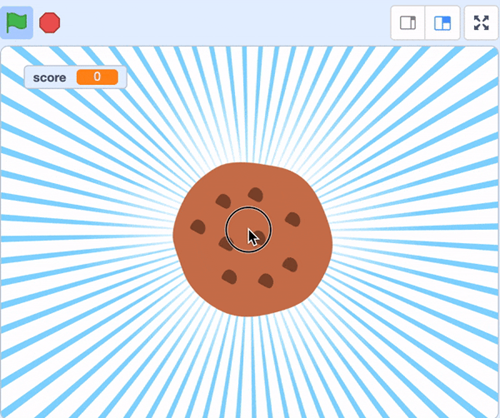
Clicker games are simple but addictive. Players earn points by clicking on an object—like a cookie—and watching their score grow. This project teaches variables, event handling, and incremental progression, making it suitable for all age groups.
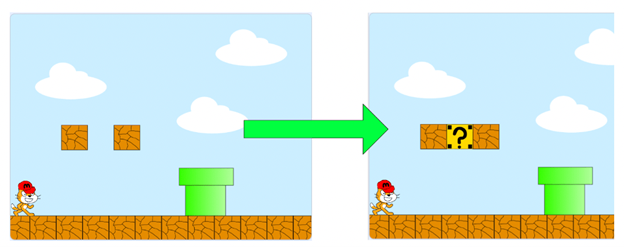
12. Mario-Style Game
Creating a Mario-style side-scrolling platformer is an exciting challenge. Learners explore character movement, level design, gravity, and enemy behaviour. It’s more complex, but incredibly rewarding.
13. Pac-Man Game
Designing a Pac-Man game requires creating sprites, building mazes, and programming enemy movement. Though challenging, the satisfaction of building a classic arcade game from scratch makes it worth the effort.
14. Driving Game and Escape Room
Some learners prefer written instructions over videos. These downloadable PDFs offer step-by-step guidance with images, making them ideal for kids who like to read and follow along offline.
15. Famished Fish Project
Created by Scratch expert Griffpatch, this project lets players control a hungry fish that eats smaller fish to grow bigger. As the fish grows, new challenges appear. It’s fun, creative, and teaches progression mechanics beautifully.