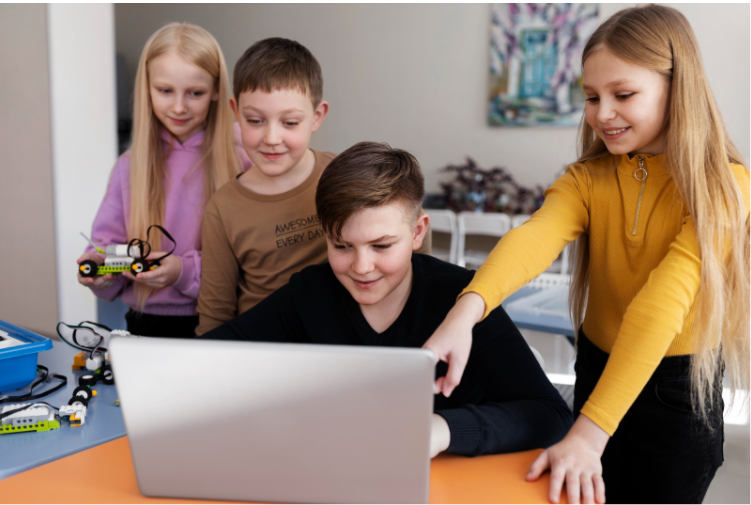
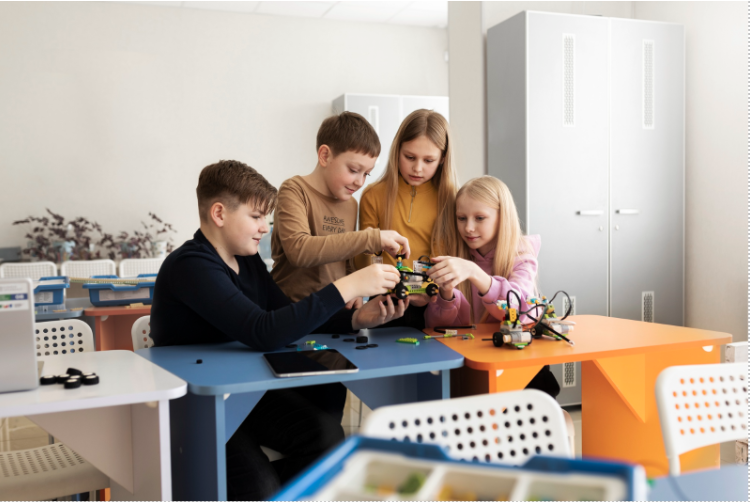
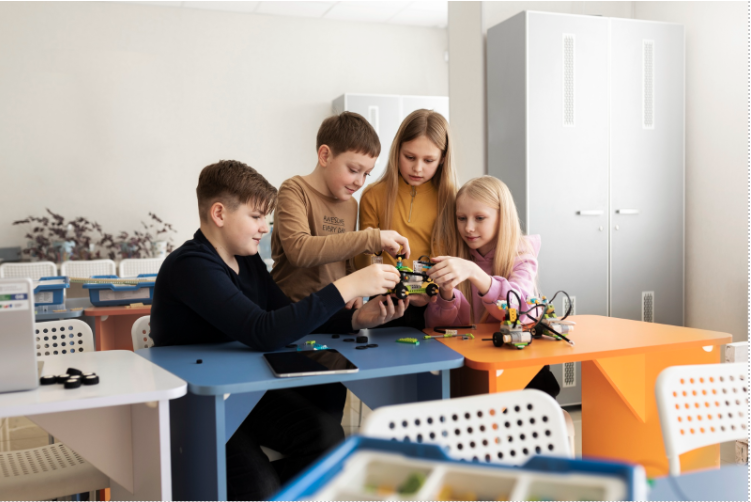
Introducing Scratch programming in schools has become one of the most practical and effective ways for academic institutions to build early digital fluency among young learners. Rather than starting students with intimidating text-based code editors filled with strict punctuation rules, educators can leverage visual block-based coding to make computer science accessible, collaborative, and deeply engaging.
Developed at the MIT Media Lab, Scratch replaces syntax memorization with color-coded graphical blocks that snap together seamlessly on screen. When administrators and teachers structure lessons around hands-on classroom activities and project-based learning, computer labs transform into creative workshops where students design games, animate stories, and solve logical puzzles. This comprehensive guide outlines actionable strategies for integrating Scratch programming in schools, covering curriculum alignment, classroom management, and assessment frameworks.
Classroom Implementation Roadmap Overview
Implementation Phase | Classroom Objective | Core Instructional Activity |
Phase 1: Interface Discovery | Familiarize students with sprites, backdrops, and block categories. | Guided digital name animation and basic character dialogue exercises. |
Phase 2: Logic and Interactivity | Introduce events, loops, conditionals, and coordinate movement. | Collaborative maze navigation games and interactive quiz challenges. |
Phase 3: Cross-Curricular Projects | Connect coding concepts with science, math, and storytelling. | Independent ecosystem simulations, geometry art generators, and showcases. |
Why Structured Classroom Activities Matter for Scratch
Simply handing students access to an open-ended coding platform without clear instructional scaffolding often leads to aimless clicking rather than genuine skill acquisition. When educators design purposeful classroom activities around Scratch programming in schools, every lesson targets specific algorithmic principles while preserving creative freedom.
Balancing Guided Instruction With Creative Exploration
Effective computer science instruction thrives on a structured balance between short, focused demonstrations and hands-on experimentation. Teachers can begin a 45-minute class period with a ten-minute walkthrough showing how a specific block category works, such as using repeat loops to animate a walking character or using sensing blocks to detect wall collisions. Once students grasp the core mechanism, they spend the remaining time customizing characters, inventing storylines, and solving design problems independently. This approach builds durable coding skills while keeping classroom enthusiasm consistently high.
Structuring Beginner Scratch Lessons Across Grade Levels
To ensure steady progression across an academic year, schools should align their student curriculum with clear cognitive milestones that build from simple sequencing to complex state management.
Unplugged Algorithmic Warm-Ups: Before touching a computer, younger students can participate in physical classroom games where they give step-by-step verbal instructions to guide a classmate through a grid, reinforcing exact sequential thinking.
Interactive Storytelling Modules: Students combine creative writing with visual programming by scripting multi-scene dialogues, timing character entrances with broadcast messages, and switching stage backdrops dynamically.
Coordinate Geometry and Motion Challenges: Math teachers can collaborate with computer lab instructors to teach positive and negative X and Y coordinates by having students steer sprites across a Cartesian grid backdrop.
Variable and Score Tracking Workshops: Older elementary and middle school students learn how computers store and update dynamic data by building arcade games complete with timers, health bars, and high-score counters.
Practical Project-Based Learning Ideas for Classrooms
Project-based learning turns passive technology users into active digital creators by asking students to solve authentic design challenges over multiple class sessions. Implementing Scratch programming in schools through thematic projects encourages peer collaboration and deep conceptual retention.
1. Interdisciplinary Science Simulations
Students partner up to build interactive visual models demonstrating scientific concepts such as the water cycle, planetary orbits, or plant photosynthesis. By programming sprites to react to changing temperature or sunlight variables, learners reinforce their classroom science lessons through active simulation.
2. Educational Trivia Games for Younger Peers
Middle school students research topics from their history or geography textbooks and code interactive quiz games designed specifically for younger elementary classes. Knowing their classmates will actually play and test their creations motivates students to polish their user interfaces and eliminate software bugs.
3. Digital Art and Geometric Pattern Generators
Using the Scratch Pen extension, learners write scripts that command a sprite to move, turn at precise geometric angles, and shift colors inside nested loops. This activity connects mathematical angles directly to visual art, producing intricate mandalas and symmetrical patterns.
Best Practices for Teachers and Academic Coordinators
Rolling out Scratch programming in schools successfully does not require specialized computer science degrees or expensive hardware upgrades. A supportive pedagogical framework makes all the difference for both instructors and learners.
Promote Pair Programming Protocols: Seat two students at one workstation where one acts as the driver operating the mouse and keyboard while the other acts as the navigator reviewing logic and spotting errors, switching roles every fifteen minutes.
Build a Classroom Remix Culture: Encourage students to examine each other’s projects, ask how specific animations were coded, and remix existing templates with new features rather than treating collaboration as copying.
Create Clear Pathways to Python Basics: Help upper middle school students recognize that visual repeat blocks, variables, and conditional sensing blocks represent the exact same logical structures they will later write in text-based languages, ensuring a smooth transition to Python basics.
Evaluate Through Live Project Showcases: Replace traditional written syntax tests with end-of-term gallery walks where students demonstrate their working projects, explain their debugging process, and receive constructive feedback from peers and teachers.
Frequently Asked Questions
Scratch is primarily designed for children and students aged 8 to 16, though younger students can engage with simplified tablet versions like ScratchJr.
No. Scratch is built specifically for absolute beginners with zero prior coding experience, requiring only basic mouse or touchscreen navigation skills.
Yes. The official global Scratch online community allows students to safely publish, share, and receive constructive feedback on their interactive projects from peers worldwide.
Scratch teaches the exact same fundamental logic structures, including variables, loops, conditionals, and coordinates, that underpin advanced Python programming.
No. Scratch runs smoothly inside any modern web browser on standard desktop computers, school Chromebooks, and tablets without requiring specialized equipment.