Exploring the World of 3D Designing and Printing: Beginner Projects with Tinkercad
3D Designing and Printing
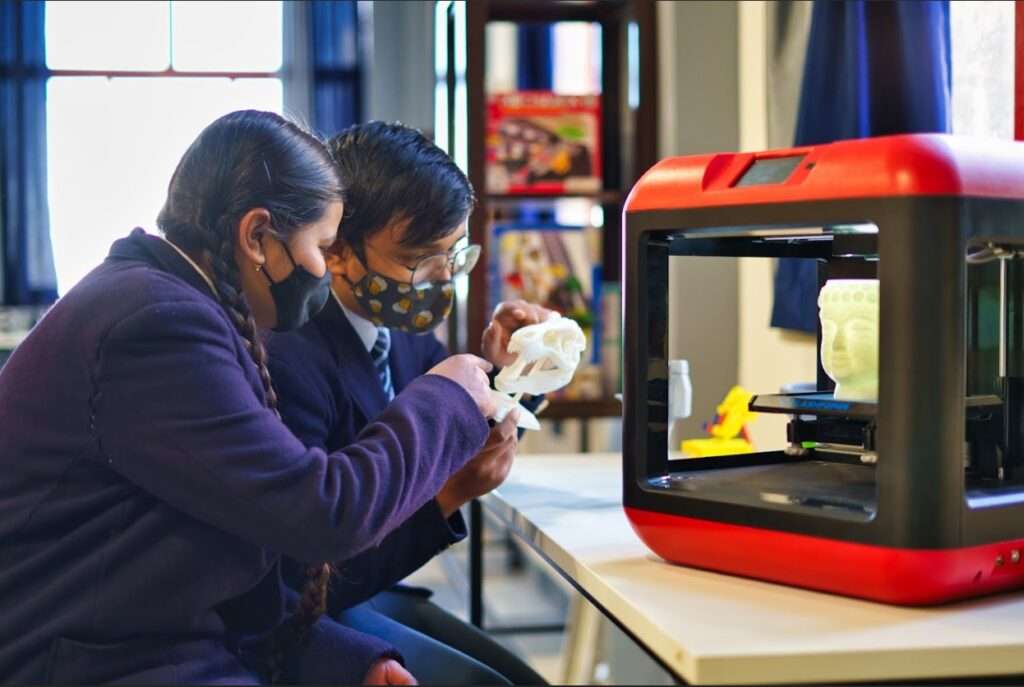
3D Designing and Printing is a modern technology that allows students to turn their ideas into real objects. Unlike drawing on paper, 3D designing involves creating models that have height, width, and depth. These digital models can then be sent to a 3D printer, which builds the object layer by layer using materials such as plastic filament.
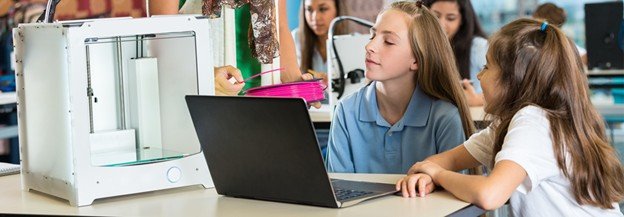
For school students, this technology makes learning more practical and exciting. Instead of only reading about shapes, structures, or measurements in textbooks, students can actually design and create them. This improves spatial thinking, creativity, and problem-solving skills. It also helps students understand how products around them are designed and manufactured.
Introduction to the Inkercad Platform
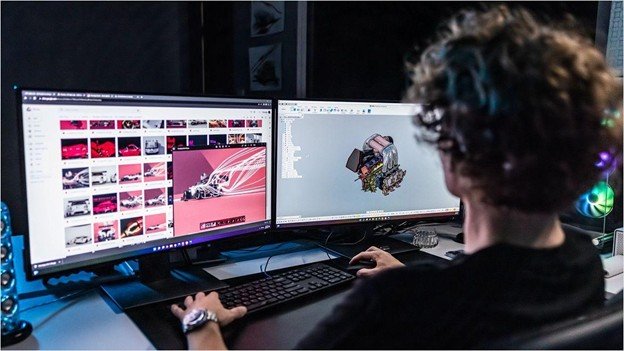
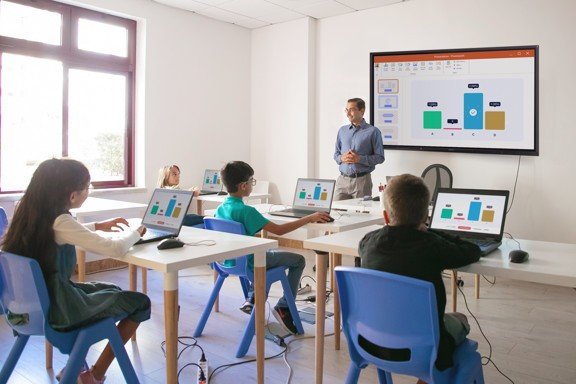
Tinkercad is an easy-to-use online 3D designing platform developed by Autodesk. It is specially created for beginners, including school students who are new to 3D modelling. Since it runs in a web browser, students do not need to install complicated software.
The platform works using simple shapes such as cubes, cylinders, spheres, and cones. Students can drag these shapes onto a workspace and combine them to form new designs. They can resize, rotate, align, and group shapes together. The interface is simple, clean, and designed for learning.
Tinkercad also provides tutorials and guided lessons that help students understand basic design concepts. It introduces important ideas such as measurement, alignment, symmetry, and combining shapes, all in a very user-friendly way.
Name Keychain
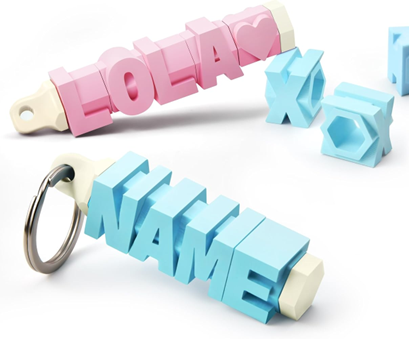
Designing a Name Keychain is often the first project students create in Tinkercad. This project is simple, creative, and personal. Students begin by creating a flat base shape, usually rectangular or oval. On top of this base, they add 3D text with their name.
They adjust the height and size of the letters so that the name stands out clearly. After that, they create a small circular hole on one side so that a keyring can be attached. Finally, they align all the parts properly and group them into a single object.
This project teaches students how to combine basic shapes, use text tools, and align objects correctly. When the keychain is printed, students feel proud because they have created something useful and personalised.
Why Design a Keychain in Tinkercad?
Designing a keychain is a good starting point because it is simple but meaningful. It helps students understand how digital designs become real objects. It also introduces the idea of subtracting shapes to create holes and combining shapes to form a single model. Most importantly, it builds confidence in beginners by giving them a successful first experience in 3D designing.
Dice

Creating a Dice may look easy at first, but it requires careful planning. Students begin with a cube shape and make sure that all sides are equal. Then, they add small circular dots on each face of the cube to represent numbers from one to six.
The placement of dots must follow the correct pattern used in standard dice. This teaches students accuracy and logical arrangement. They also learn about symmetry and equal spacing while placing the dots.
Designing a dice shows students that even small objects need careful measurement and attention to detail. It improves their understanding of dimensions and positioning in three-dimensional space.
Why Create a Dice in Tinkercad?
Creating a dice helps students develop precision and logical thinking. They learn the importance of equal sides, proper alignment, and balanced design. This project also connects mathematics with design, helping students see how geometry is used in real-world objects.
Cup and Saucer
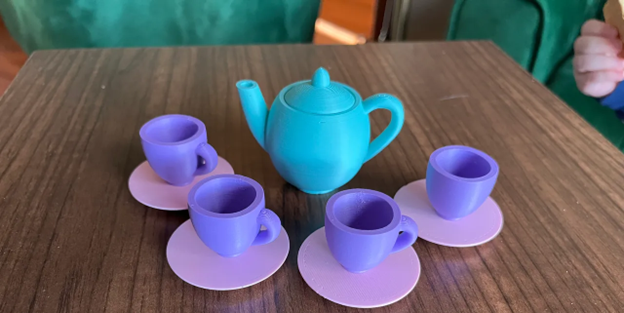
The Cup and Saucer project is slightly more advanced and allows students to explore deeper 3D concepts. Students start by creating a cylindrical shape for the cup. They then subtract a smaller cylinder from inside it to make the cup hollow. This introduces the concept of thickness and interior space.
Next, they design a handle using curved or circular shapes and attach it to the side of the cup. For the saucer, they create a flat circular base and adjust its thickness. Finally, they align both objects properly.
This project teaches students about hollow objects, curved designs, and combining multiple components into one complete model. It requires more planning compared to earlier projects.
Why Design a Cup and Saucer in Tinkercad?
Designing a cup and saucer helps students understand real-life product design. They learn about balance, proportion, and structural thickness. It also improves creativity because students can modify shapes, sizes, and styles according to their ideas. This project gives a clearer understanding of how everyday objects are designed before manufacturing.
Conclusion
3D Designing and Printing opens a new world of creativity for school students. With the help of Tinkercad, beginners can easily learn how to design objects step by step. Projects like a Name Keychain, Dice, and Cup and Saucer help students understand important concepts such as measurement, alignment, symmetry, and structure.
When students design something on a computer and then see it printed as a real object, learning becomes meaningful and memorable. Early exposure to 3D designing builds confidence and prepares students for future careers in engineering, architecture, product design, and technology.
By starting with simple projects and gradually moving to more complex ones, students can explore the world of innovation practically and engagingly.
Learn More about STEM Education