ScratchJr Online: A Beginner’s Guide to Coding for Kids
As Apple CEO Tim Cook once said, “Coding is the most important second language anyone can learn.” Many parents and educators strongly agree. A Google report revealed that a large majority—parents, teachers, and school leaders alike—believe computer science is just as important as traditional school subjects. Today, children can begin learning coding as early as kindergarten, and apps like ScratchJr make that first step both fun and meaningful.
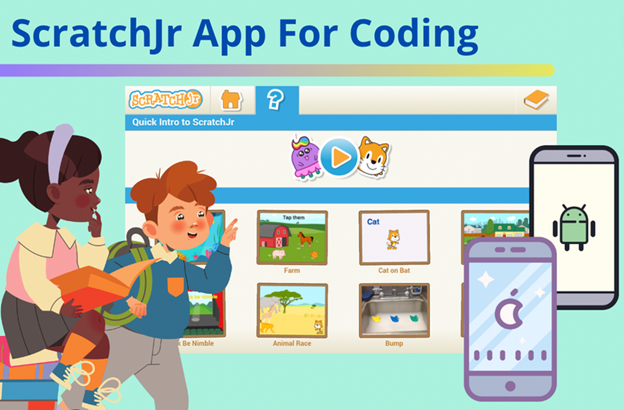
ScratchJr is a free, easy-to-use app available on iOS and Android, designed especially for young children aged 5 to 7. It allows kids to create their own interactive stories and simple games while exploring the basics of programming. Instead of typing complicated code, children simply snap together colourful visual blocks to make characters move, jump, dance, and even sing. This approach helps kids understand coding logic naturally—without frustration or confusion.
One of the biggest strengths of ScratchJr is its encouragement of creativity. Children are free to imagine their own stories, design characters, and solve challenges along the way. As they experiment, they begin developing important thinking skills like problem-solving, logical reasoning, and creative expression. These are exactly the kinds of higher-order skills experts say will be essential in the future.
Whether used at home or as an after-school activity, ScratchJr makes learning to code exciting and accessible for young learners. Parents can support their child’s journey even further by providing guidance and structured learning.
What is ScratchJr Online and How Does It Work for Kids?
ScratchJr online is a beginner-friendly coding platform created for children aged 5–7. It uses drag-and-drop blocks instead of written code, making block-based coding for children intuitive and visual. Kids simply snap blocks together to control characters, movement, sounds, and actions.
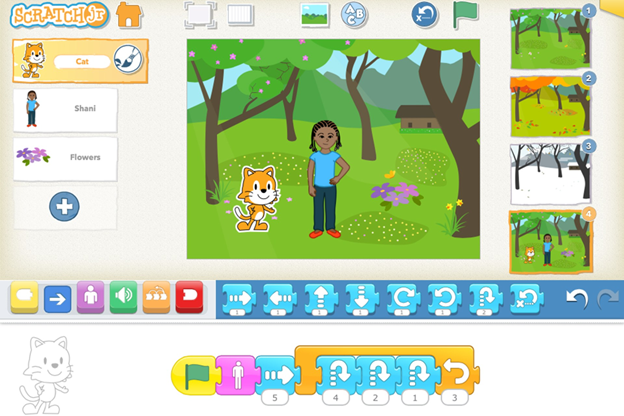
Through ScratchJr coding for kids, students can:
- Create interactive stories
- Design simple animations
- Build beginner-friendly games
These activities help children learn coding for kids online without screen overload or complex instructions. Schools love ScratchJr online because it aligns well with early education goals and classroom learning outcomes
What Age Group Is ScratchJr Meant For?
ScratchJr is specially designed for children between 5 and 7 years old who are just beginning their coding journey. It was created as a younger, simpler version of Scratch, the popular drag-and-drop programming language developed by MIT. While many kids start using Scratch around 2nd grade, ScratchJr is the perfect introduction before moving on to Scratch.
If your child enjoys playing games like Minecraft on a tablet or watching videos on a phone, ScratchJr can be a wonderful way to turn that screen time into meaningful learning. It introduces coding concepts in a fun and playful way—without the frustration that can come from more complex programming tools.
ScratchJr takes many of the learning ideas from Scratch and adapts them for younger learners. The app features a bright, easy-to-use interface and a simplified coding language that’s just right for children in kindergarten and first grade. Instead of overwhelming kids, it allows them to explore, experiment, and create at their own pace.
Everything in ScratchJr is thoughtfully designed to match young children’s thinking and developmental needs. The app uses fewer coding blocks than Scratch, making it easier for kids to bring their ideas to life quickly. This helps build confidence, encourages creativity, and keeps learning enjoyable from the very beginning.
ScratchJr App Download For Free
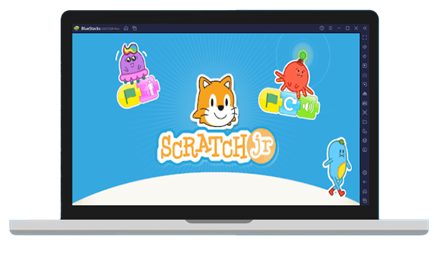
ScratchJr works on iPads and Android tablets. So to get started, you can download ScratchJr on the App Store and on Google Play for free. Just download the ScratchJr app to your device. Launch the app. And click on the Home icon to start a new project.
ScratchJr Login
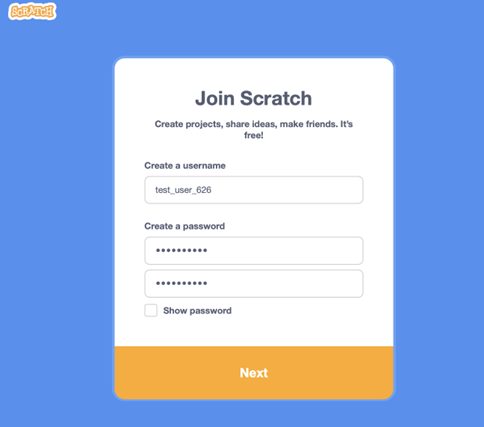
The best way to log in to ScratchJr is on your iPad or Android device. There is no login accessible by desktop computer.
How Do Kids Code in ScratchJr?
Coding in ScratchJr is simple, hands-on, and feels more like play than learning. Kids use their fingers to tap on characters, choose icons, and drag colourful blocks into place to tell their characters what to do. It’s a lot like building with digital LEGO blocks—just snap them together and watch things come to life!
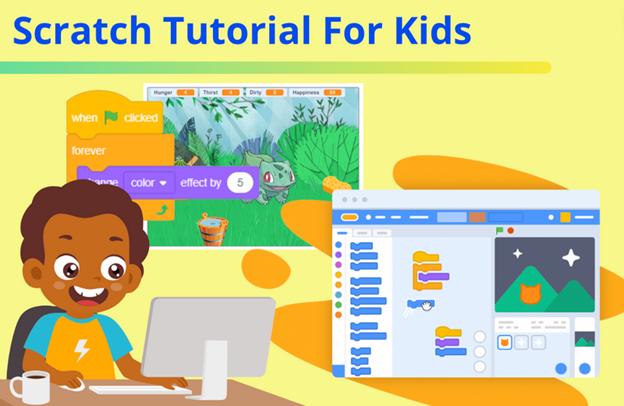
To begin, open a new project. In ScratchJr, each page is called a scene. Every scene can have its own characters, background, and actions. A single project can include up to four different scenes, allowing kids to tell a short story or build a simple game.
Next, tap the plus (+) button on the left side to add characters and choose a background. If you add a character you don’t like, just press and hold it to remove it. This makes experimenting easy and stress-free.
Once your characters are on the screen, tap the one you want to program. This step is important because each character has its own set of instructions. After selecting a character, open the blocks area and choose the yellow blocks. Drag the green flag block into the coding area. The green flag means “start,” so whenever it’s tapped, the code you’ve built will run.
To make a character move, explore the blue motion blocks. These include arrows that move characters in different directions. For example, if you want a cat to walk across the screen, drag the right-arrow block and connect it to the green flag. In ScratchJr, blocks connect from left to right. You can even change the number on the arrow block to decide how far the character moves.
If you want the action to repeat again and again, add a red loop block at the end. Just like that, your character will keep moving! This is one of the first ways kids learn about repetition and patterns in coding. And this is only the beginning—ScratchJr offers endless possibilities for creativity.
Example of ScratchJr Projects And Coding Challenges
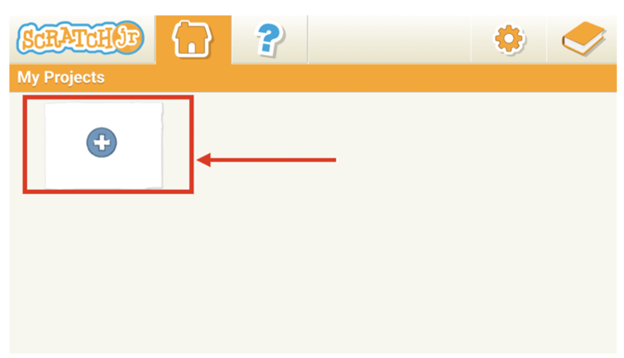
On the My Projects page, click on the little “ + “ icon to start a New Project.
Racing ScratchJr project idea
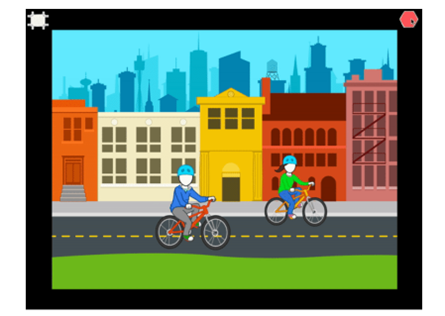
Use 2 characters/sprites to move across the screen from left to right.
Challenge: Get the characters to move across the screen at different speeds.
How Schools Can Benefit from ScratchJr Online Programs
For schools, ScratchJr online is more than a coding tool—it’s a complete early STEM solution. Benefits include:
- Easy classroom integration
- Teacher-friendly interface
- Improved student engagement
- Strong foundation in digital skills
By adopting learn coding for kids online, schools position themselves as forward-thinking institutions that prepare students for future careers.
Conclusion: Building Future Innovators Starts Today
ScratchJr online empowers schools to introduce coding in a joyful, meaningful way. Through ScratchJr coding for kids, students gain creativity, confidence, and computational thinking skills that last a lifetime. The simplicity of the ScratchJr programming app, combined with engaging ScratchJr games and projects, makes learning irresistible. By embracing block-based coding for children, schools can truly transform early education.
Book your free trial class today!
Allow your students to explore, create, and innovate with ScratchJr online.