

STEM Learning with MIT App Inventor – Practical Way to Begin
Children use mobile apps every day, but understanding how these apps are created is what truly builds confidence and real skills. This is where MIT App Inventor becomes a strong foundation for STEM learning. It helps students move beyond just using technology to actually creating it.
For parents and students exploring structured STEM learning, this platform offers a clear, beginner-friendly starting point. It focuses on hands-on creation, simple logic, and real outcomes, making learning both meaningful and easy to follow.
What is MIT App Inventor?
MIT App Inventor is a free, web-based platform that allows students to create mobile applications using simple visual blocks rather than complex code. It is designed in a way that even beginners can understand how apps work without prior technical knowledge.
The platform uses a drag-and-drop system where each block represents an action or instruction. Students connect these blocks to define how their app behaves, such as what happens when a button is clicked or when a user enters information. This removes the confusion of typing code and helps students focus on understanding logic, which is a key part of STEM learning.
Another important aspect is how quickly students can start building. Many beginners can create their first working app in a short time. This early success builds confidence and encourages students to explore further, making STEM learning more engaging and effective.
How to Use MIT App Inventor – Step-by-Step
Getting started with MIT App Inventor is simple and structured, making it ideal for students aged 10–15. The platform is divided into two main parts: designing the app and defining how it works. This clear separation helps students understand both appearance and functionality.
Here is how students typically build an app:
- Step 1: Create a Project
Students begin by opening the platform and starting a new project. They are given a blank screen where they can begin designing their app layout.
- Step 2: Design the App Screen
Students add elements like buttons, text boxes, images, and sounds. These are dragged onto the screen to create the app interface.
- Step 3: Use Blocks to Add Logic
This is the most important step. Students connect blocks to decide what happens when users interact with the app. For example:
- When a button is clicked → show a message
- When a screen opens → play a sound
- These blocks act like instructions that control the app’s behaviour.
- Step 4: Test the App
Students can test their app on a phone or emulator. They check if everything works correctly and make improvements if needed.
- Step 5: Improve and Share
Once the app works well, students can enhance it with more features or share it with others.
This step-by-step process helps students clearly understand how ideas turn into real applications, which is the goal of STEM learning.
What Students Can Build
One of the strongest aspects of MIT App Inventor is that students can create real, working applications. This makes learning practical and engaging rather than just theoretical.
Students can build apps such as:
- Simple games with interactive elements
- Quiz apps for learning and revision
- Daily reminder or task management apps
- Basic chat or communication tools
- Apps that use mobile features like sound or sensors
These projects help students understand how everyday apps function. Instead of just using apps, they begin to understand the thinking behind them, which strengthens STEM learning.
Skills Developed Through STEM Learning
Using MIT App Inventor helps students build important skills that go beyond coding. It develops a strong foundation in thinking, creativity, and problem-solving.
Some key skills include:
- Logical Thinking
Students learn how actions connect to outcomes. They understand step-by-step processes, which is essential in STEM learning.
- Problem-Solving
When an app does not work as expected, students identify errors and fix them. This builds patience and analytical thinking.
- UI Design Understanding
Students learn how to arrange elements on a screen in a way that is simple and easy to use.
- Creativity and Innovation
Students are encouraged to build their own ideas, which helps them think independently and creatively.
These skills are useful not just in coding, but also in academics and everyday decision-making. The platform also focuses on learning by doing. Students are not just reading or watching – they are actively building, testing, and improving their apps. This hands-on approach improves understanding and keeps students engaged in STEM learning.
Learn MIT App Inventor with Makers’ Muse
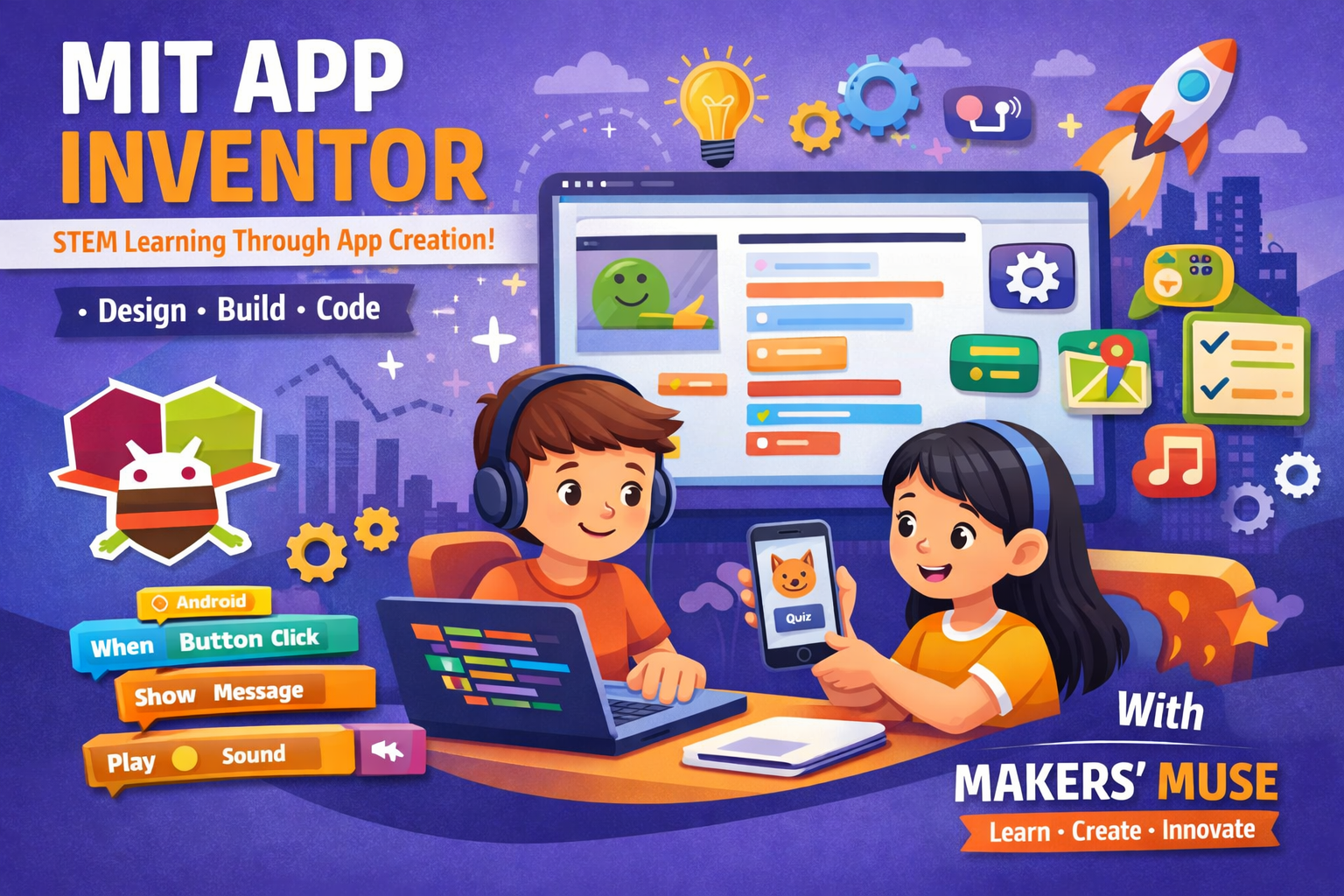
For parents looking to introduce their children to structured and guided STEM learning, Makers’ Muse offers a focused program on MIT App Inventor designed specifically for young learners. This program goes beyond basic exposure and provides a step-by-step learning experience where students actively design, build, and test their own Android applications.
The course is tailored for the 10–15 age group, ensuring that concepts are explained in a simple and easy-to-understand manner. Students are guided through real app-building projects, helping them gain confidence while learning practical skills. The focus is not just on completing tasks, but on understanding how and why each step works.
Through this program, students develop key skills such as:
- App development fundamentals
- User interface (UI) design
- Logical thinking and structured problem-solving
With expert guidance and a hands-on approach, Makers’ Muse ensures that STEM learning becomes engaging, practical, and future-ready for every student.
Conclusion
MIT App Inventor is a simple, practical, and effective tool for introducing children to STEM learning. It removes the fear of coding, focuses on understanding, and allows students to create real mobile apps step by step.
For parents, MIT App Inventor offers a structured and safe way to introduce children to STEM learning. It does not require expensive tools or prior knowledge, making it accessible and practical.
For students, it changes the way they interact with technology. Instead of only consuming content, they begin to create it. This builds confidence and encourages independent thinking.
Over time, this early exposure helps students move towards more advanced coding and technology skills. It creates a strong base that supports future learning and career opportunities in the digital world.