

A principal once showed a mentor a room full of sealed boxes, robotics kits, sensor sets, and a 3D printer, none of it touched in eight months. The equipment wasn’t wrong. Nobody had worked out what students should actually learn before deciding what to buy. That’s the single most expensive mistake in STEM lab setup for schools, and it’s entirely avoidable.
This guide starts where good STEM lab setup for schools planning actually should: outcomes first, equipment second, then space, safety, budget, and the reasons labs sit empty even after real money’s been spent, For schools planning a complete hands-on learning environment, explore our STEM labs for schools solution.
Outcomes Before Equipment, Always
Before choosing a single tool, define what students should understand, build, and demonstrate by term’s end. A lab built around “what should students learn to do here” produces a very different shopping list than one built around what looks impressive in a photo. Every serious approach to how to set up a STEM lab in school starts with this question, not a supplier catalog.
Readiness, Answered Honestly
- Which grades and how many students need access at once?
- Is there an actual timetable slot, or a realistic workaround?
- Which teachers are willing and available, not just assigned?
- What space genuinely exists, dedicated or shared?
- What’s the real annual budget, not just the first purchase?
- Who provides ongoing support once something breaks?
Weak answers here undermine everything that follows, regardless of how good the tools are. This readiness check is really the foundation of any real STEM lab setup for schools plan.
Five Lab Models, One Right Answer Per School
Model | Best Fit |
Dedicated lab | Schools with space and budget for a standalone room |
Shared classroom | Schools needing flexibility across subjects |
Mobile lab | Schools without permanent space; equipment moves between rooms |
Makerspace corner | Schools wanting open access near a library or common area |
Hybrid | Most schools that succeed long term end up here |
Zoning the Room So It Actually Works
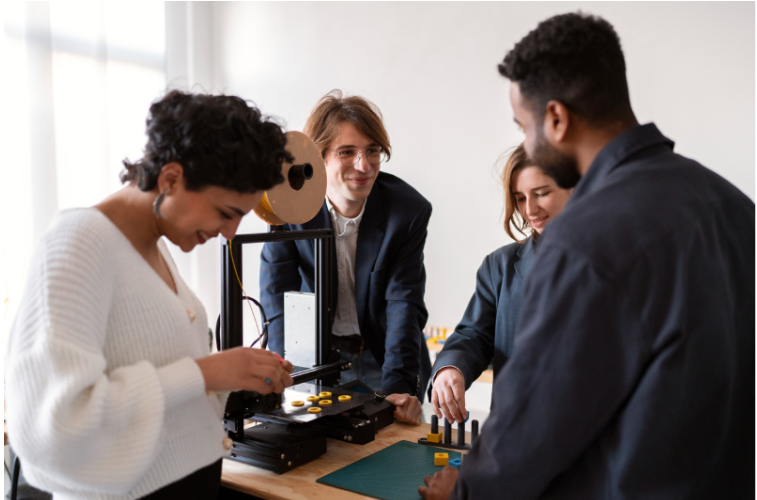
Good STEM lab setup for schools always organizes into zones rather than one open floor: instruction space for group teaching, an electronics zone for circuits and soldering, fabrication for building and cutting, computing for coding, testing for trying things safely, storage for tools and consumables, and a presentation area for showing finished work.
Filling a room with tables and skipping the zoning is a common reason space gets wasted even when there’s plenty of it, and it’s one of the more preventable mistakes in STEM lab setup for schools.
Equipment, Tied to What It Actually Teaches
Category | Learning Outcome | Example |
Basic tools | Measurement, construction, motor skill | Rulers, screwdrivers |
Electronics | Circuits, sensors, wiring | Breadboards, LEDs |
Microcontrollers | Programming physical devices | Arduino, ESP32 boards |
Computing | Coding, simulation, data | Laptops, coding software |
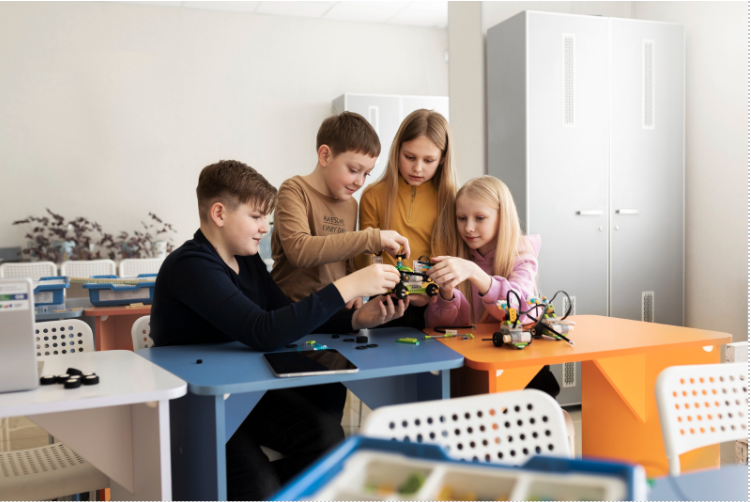
Robotics | Sensing, logic, movement combined | Grade-appropriate kits |
Mechanics | Structural design | Gears, motors, building sets |
Craft materials | Rapid, low-cost iteration | Cardboard, foam, fasteners |
Digital fabrication (optional) | Precision prototyping | 3D printers, laser cutters |
Every line in a genuine STEM lab setup for schools equipment plan should trace back to a specific outcome, not get bought because it looked good in someone else’s lab.
Open Source, Proprietary, or a Mix
Open source hardware costs less and teaches transferable skills, but needs more teacher comfort with troubleshooting. Proprietary systems are more polished to start with, but lock a school into one vendor’s ecosystem. Most schools land on a mix: open tools for coding and electronics, proprietary where ease of use matters more than flexibility. Getting this balance right is a real part of STEM lab setup for schools that often gets rushed.
Access Scales With Age
Younger students need simpler tools and closer supervision. Older students are capable of managing tasks that are more complex without needing supervision after a proper training session. A 6th grader should not be allowed to work independently in the same way as an 11th grader, and a well-designed school makerspace setup should make this very clear instead of leaving it up to whoever is present in the space that day.
STEM Lab Safety
STEM lab safety covers more than most schools initially plan for, and it’s a part of STEM lab setup for schools that can’t be treated as an afterthought.
- Electrical safety means grounding and supervised use of powered tools.
- Battery safety means correct storage, since lithium batteries carry real fire risk if mishandled.
- Soldering stations need ventilation and supervision.
- Mechanical tools need training before unsupervised use.
- Fire safety needs an extinguisher and a room-specific evacuation plan.
- Ventilation matters wherever fumes or dust are possible. Internet safety means managed, age-appropriate access.
Accessibility From the Start, Not as a Retrofit
A genuinely inclusive lab considers different physical or learning needs during STEM lab planning, not afterwards. Adjustable table heights, clear pathways, and materials in multiple formats matter as much as anything on the equipment list.
Power, Connectivity, and Data Privacy
Reliable power at every zone prevents daily friction. Internet needs bandwidth plus a device management policy. Software accounts tied to student data need a clear privacy policy on storage and access, not an assumption that a free tier is automatically fine.
Keeping It Running Long Term
Inventory and labeling prevent slow chaos. Consumables, wires, batteries, printing material need a recurring budget line, not a one-time allocation. A maintenance plan stops one broken part from taking a whole activity offline. A documented replacement schedule keeps the lab from quietly ageing into uselessness.
Teachers Matter More Than the Equipment List
A lab in charge needs clear responsibilities, not a vague expectation to handle it. Lesson resources tied to actual curriculum save teachers from building everything from scratch. Troubleshooting support keeps one stuck sensor from turning into a wasted period.
Budget in Phases, Not One Purchase
Budgeting for the STEM lab setup in schools entails taking into account all the costs involved in procurement, operation, maintenance, teacher time, and a reserve fund for replacements. Many schools mistakenly invest all funds during the first year of operation and use up everything in year two for consumables, leaving nothing for the third year.
Before You Buy Anything
- Does every item trace back to a specific learning outcome?
- Is warranty coverage and spare parts availability confirmed?
- Is setup and safety documentation actually provided?
- Has the vendor been checked against real, verifiable references?
Whether the Lab Is Actually Working
Utilisation, how often the space genuinely gets used, matters more than how full it looks on inauguration day. Project quality against real outcomes matters more than activity count. Teacher confidence running sessions independently predicts long-term use better than equipment specs. Visible, documented student evidence shows whether learning is genuinely happening.
Pilot First, Scale Second
The pilot at one or two levels evaluates the model, the space, and the readiness of the teacher before any tangible commitment is made, and this is the most foolproof way to get the STEM lab setup correct at first go. The labs turn out to be underused later for quite understandable reasons: the timetable is not confirmed, the equipment arrives before the teachers get trained, there is an unclear responsibility for maintenance, or the area was created for pictures rather than for real lessons every week.
Where Makers’ Muse Fits In
Makers’ Muse helps schools handle STEM lab setup for schools around curriculum, grade levels, teacher capacity, and real budget, then supports the training that keeps it in use. Talk to us about implementation of lab setups and SES Programs today.
Frequently Asked Questions
A school needs clear learning outcomes defined first, a realistic readiness check across teachers, timetable, and budget, and equipment chosen to match those outcomes, not a large purchase made before any of that planning happens.
Space needs vary by model and student numbers, so there’s no single universal figure. A shared classroom or makerspace corner works well for smaller cohorts, while a dedicated lab suits schools with consistent, larger-scale use.
A beginner setup should focus on basic tools, simple electronics, and craft materials tied directly to early outcomes, expanding into microcontrollers, robotics, or digital fabrication only once teachers and students are genuinely ready.
No. A shared classroom, a mobile setup, or a small school makerspace setup corner supports genuine STEM learning without a dedicated room, and many schools start there before scaling toward something more permanent.
Safety depends on covering electrical, battery, mechanical, and fire risks specifically, training students and teachers before unsupervised tool use, and keeping ventilation and internet access managed appropriately for age.
Equipment lasts longer with clear inventory and labeling, a recurring consumables budget, a defined repair process, and a documented replacement schedule, rather than reactive fixes after something fails.
Teachers need technical familiarity with the tools and comfort guiding open-ended problems without solving them outright, backed by curriculum-tied lesson resources and someone available for troubleshooting.
Track real utilisation, project quality against learning outcomes, teacher confidence running sessions independently, and visible, documented student evidence, rather than judging success by how the room looks on a single event day.